 SplitterUp
Everything you need to split expenses
From the dinner table to the shared apartment to the trip abroad — scan it, split it, settle it. Every feature included, never a subscription.
No daily limits
Splitwise's cap is commonly reported as 3–4/day
AI receipt scanning
Included, not a paid add-on
Smart Re-split
Only in SplitterUp
Free for a limited time
Create your account now and you keep Premium permanently. Join later and it's a one-time $4.99, never a subscription.
One receipt. Everyone pays for exactly what they had.
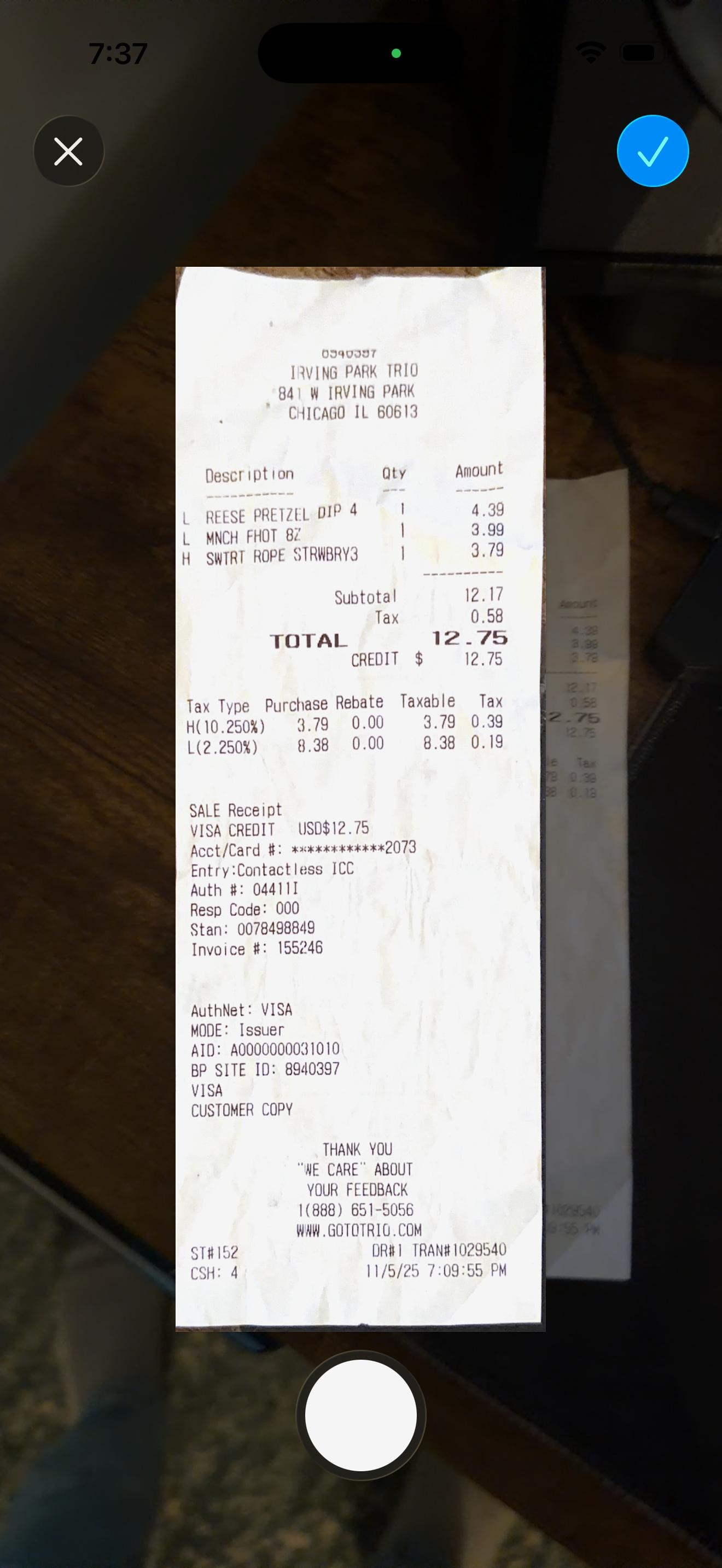
Snap the bill, and SplitterUp itemizes it. Assign items yourself, or share it live and let everyone claim their own.
Smart Receipt Scanning
We read the messy details so you don't have to. Just snap a picture and we'll itemize the bill for you.
Interactive Assignment
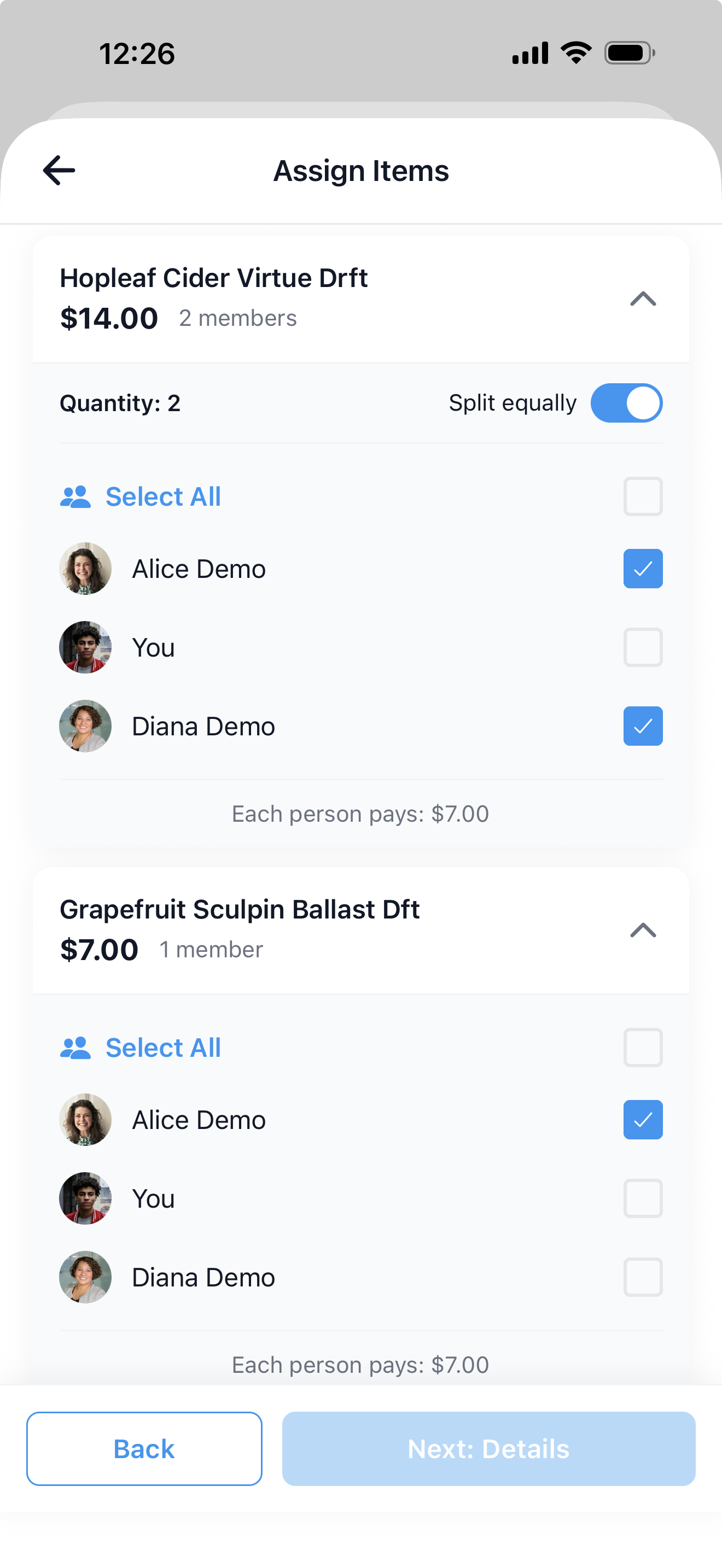
Tap to assign items to specific people. Split that shared appetizer 3 ways, or assign the lobster to the one who ordered it. Total control over who pays for what.
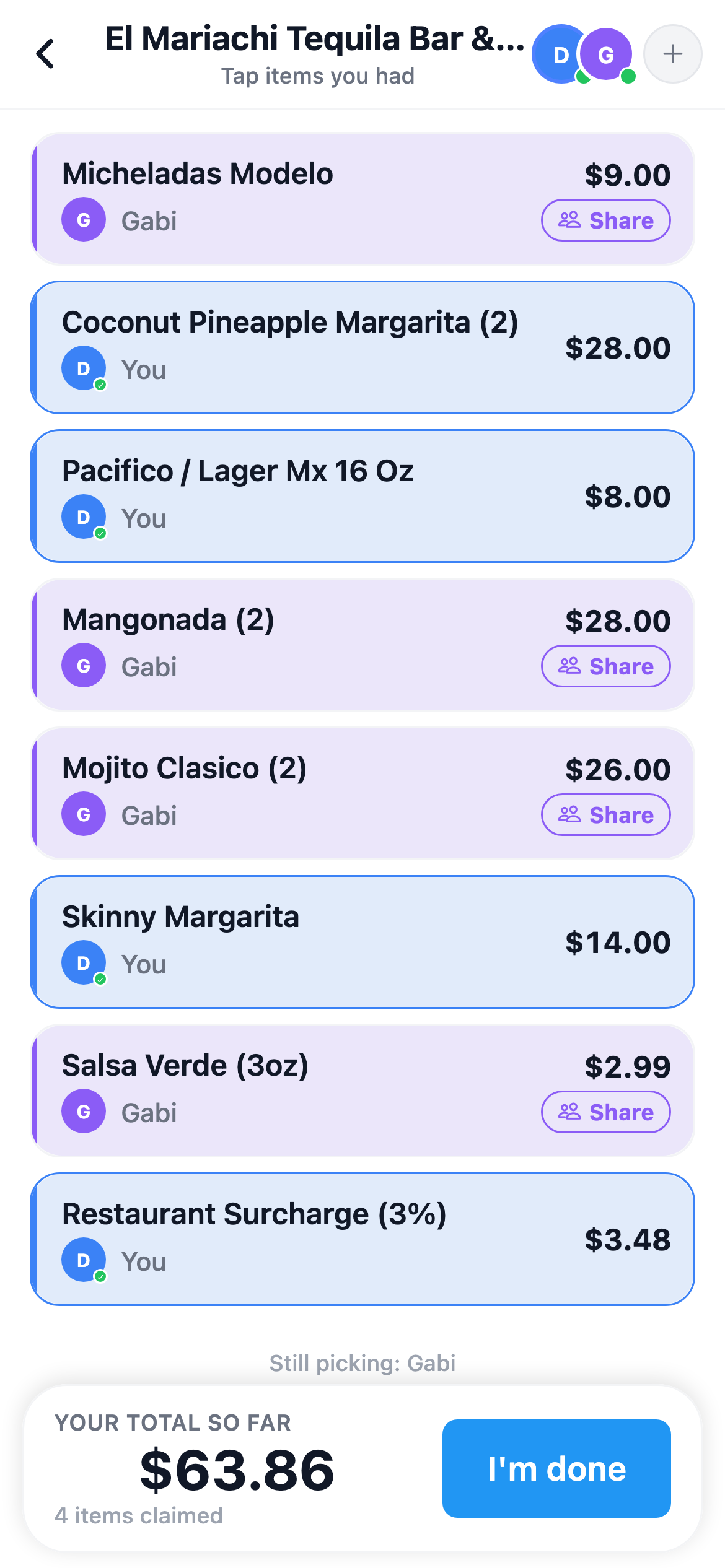
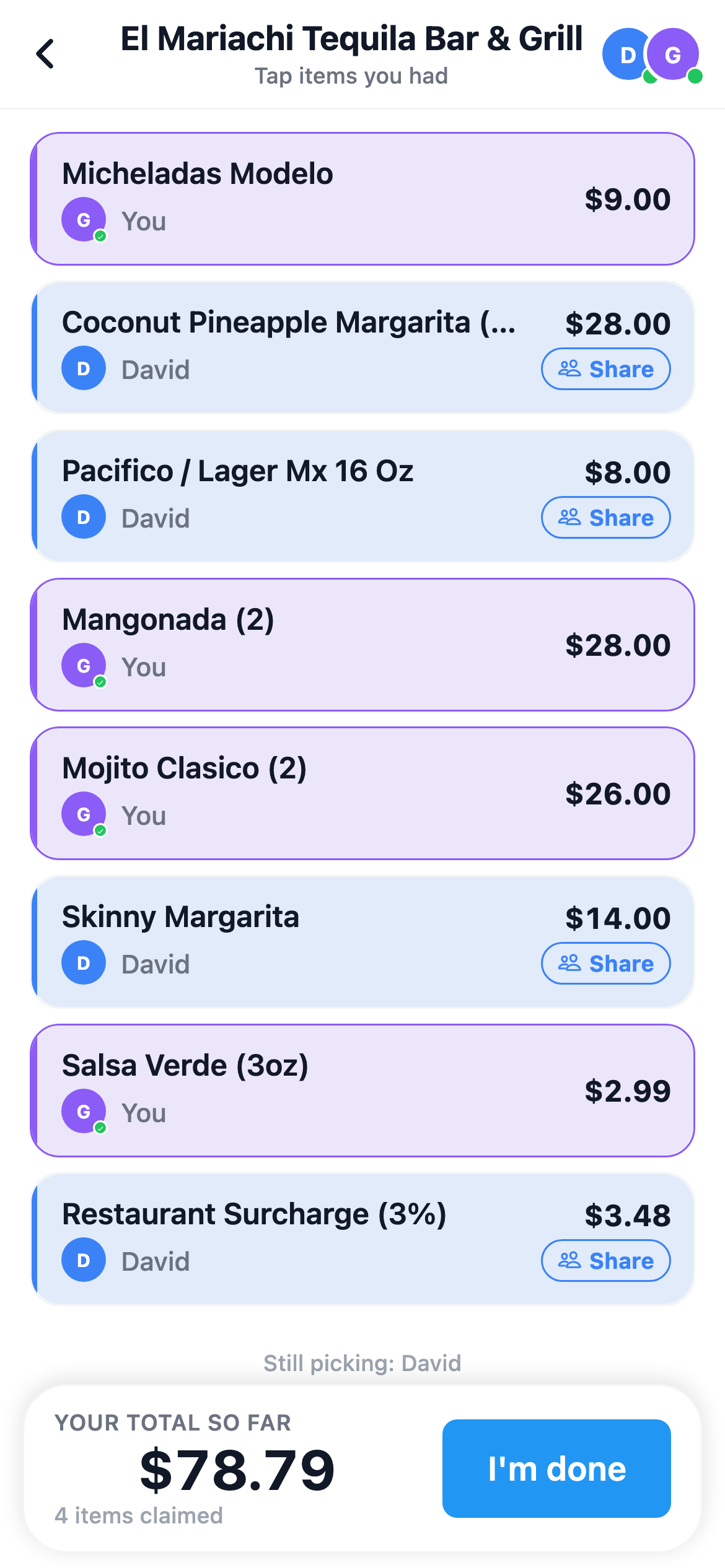
Or skip assigning. Everyone claims their own — live.
Out with friends? Scan the receipt and share it live with the people right next to you. Everyone claims their own items on their own phone — no group or friend request needed to join — and the total splits itself, to the penny.
- 1Scan & share — friends nearby get an invite
- 2Everyone claims — shared plates split automatically
- 3Payer finalizes — one penny-exact expense
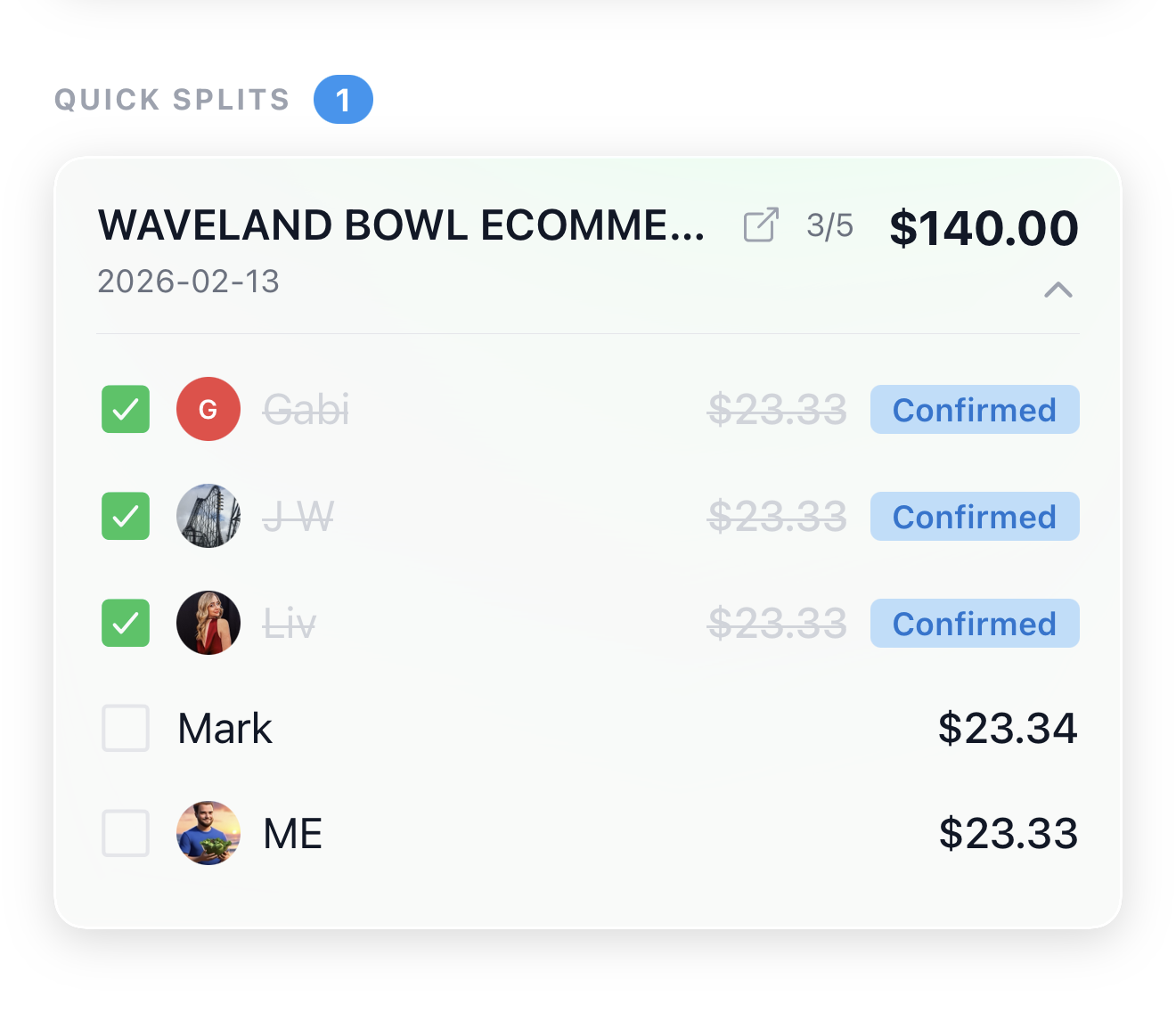
Quick Splits
Split expenses with anyone on the spot — no group setup, no friend requests. Just type in names, enter amounts, and track who's paid you back with a simple checklist. Perfect for one-off dinners, road trips, or anytime creating a group would be overkill.
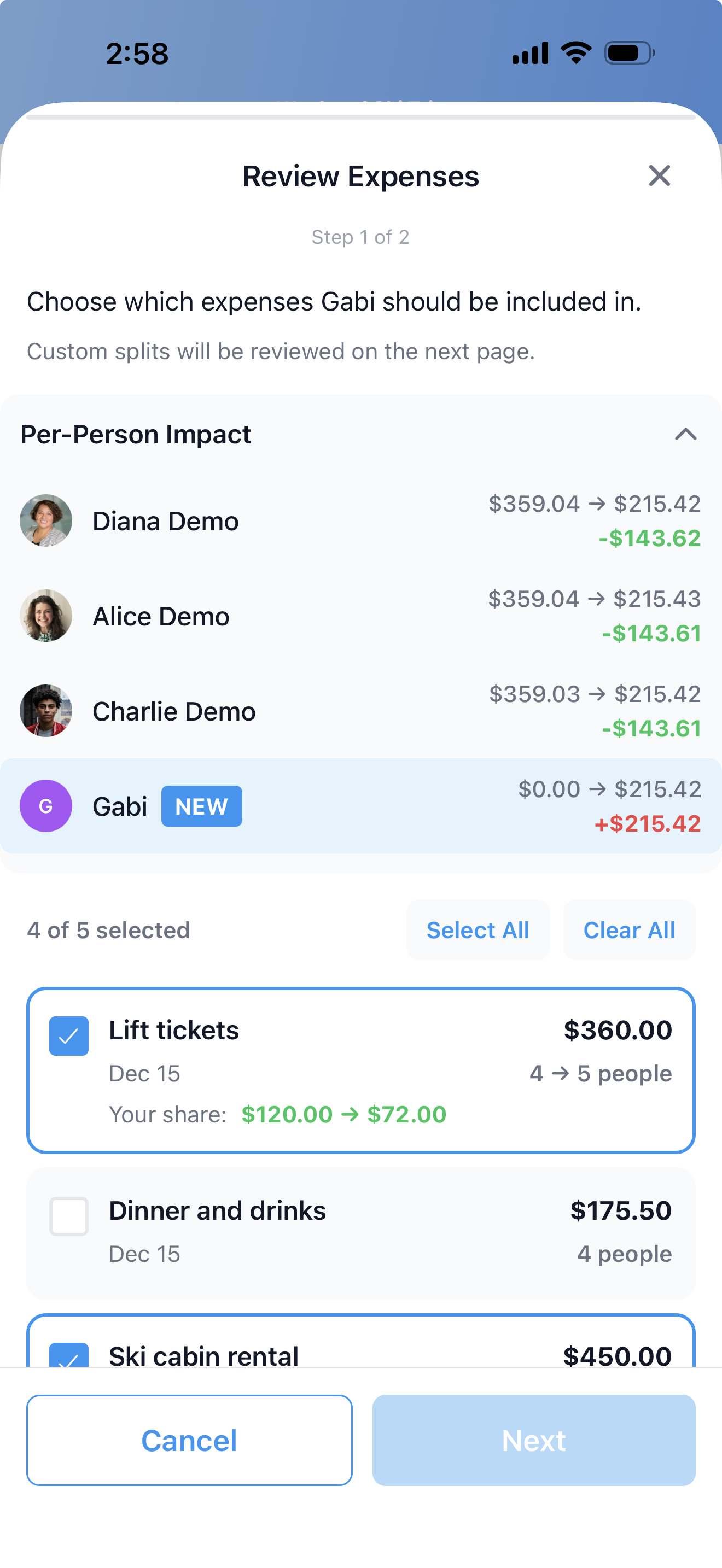
Smart Re-split
Friend joined late? One tap to add them to past expenses without the headache. We automatically recalculate everyone's share and show you exactly what changed.
For the trip, the apartment, and everything in between.
Groups Made Simple
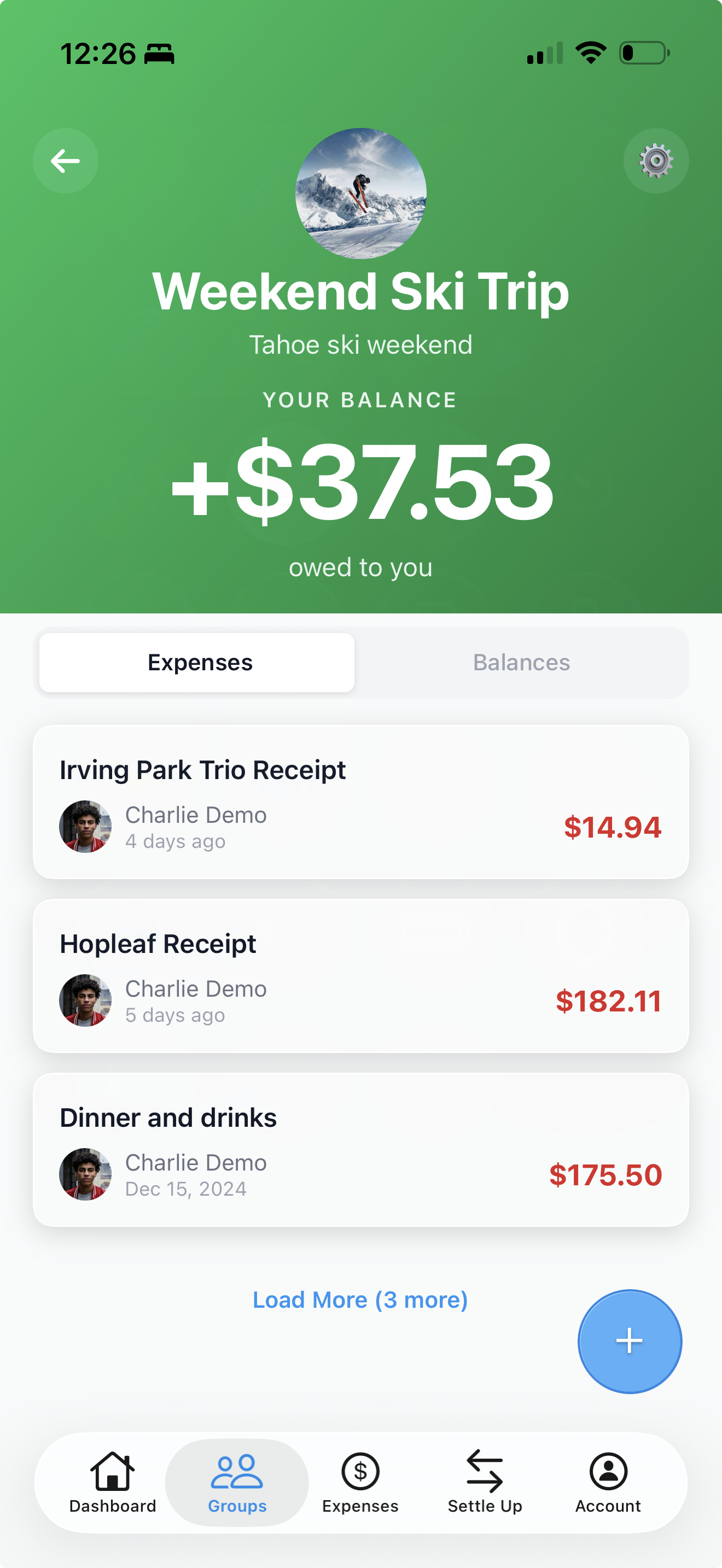
Organize expenses by trip, household, or event. See everyone's balance at a glance and track all your shared expenses in one clean view.
Households
Treat a couple, a set of roommates, or business partners as one financial unit. Add a Household to any expense just like a friend — both members see the joint balance and either one can settle it. Shared life, one clean ledger.
Learn more →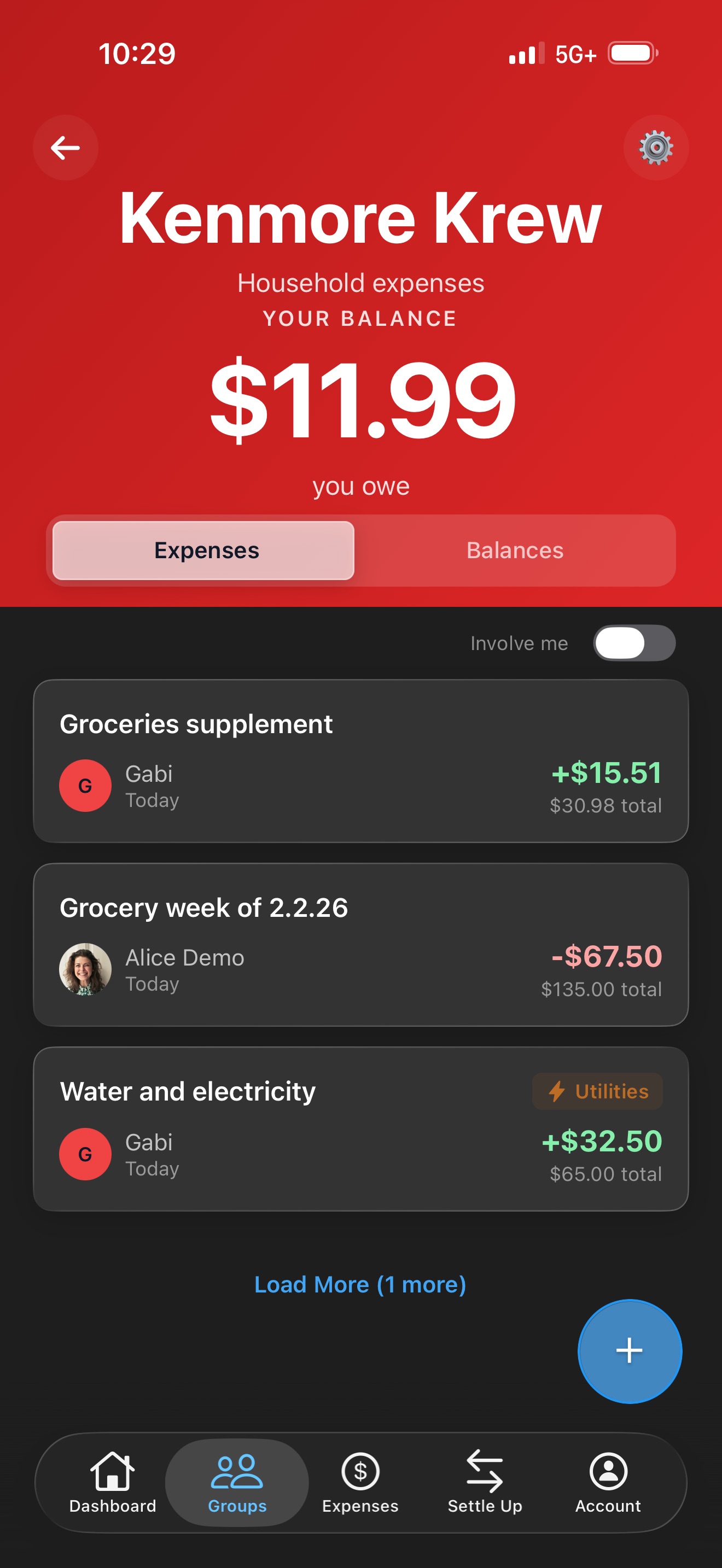
Recurring Expenses
Daily to yearly, added automatically. Set it once for rent, utilities, or subscriptions.
Import from Splitwise
Moving from Splitwise? Add your export, check who's who, and your groups, expenses, and payments come across with balances that match to the cent. Re-importing the same file never creates duplicates, and anyone you split with can be invited or matched to a SplitterUp friend along the way.
Learn more →Know who owes what. Get paid in a tap.
Smart Settlements
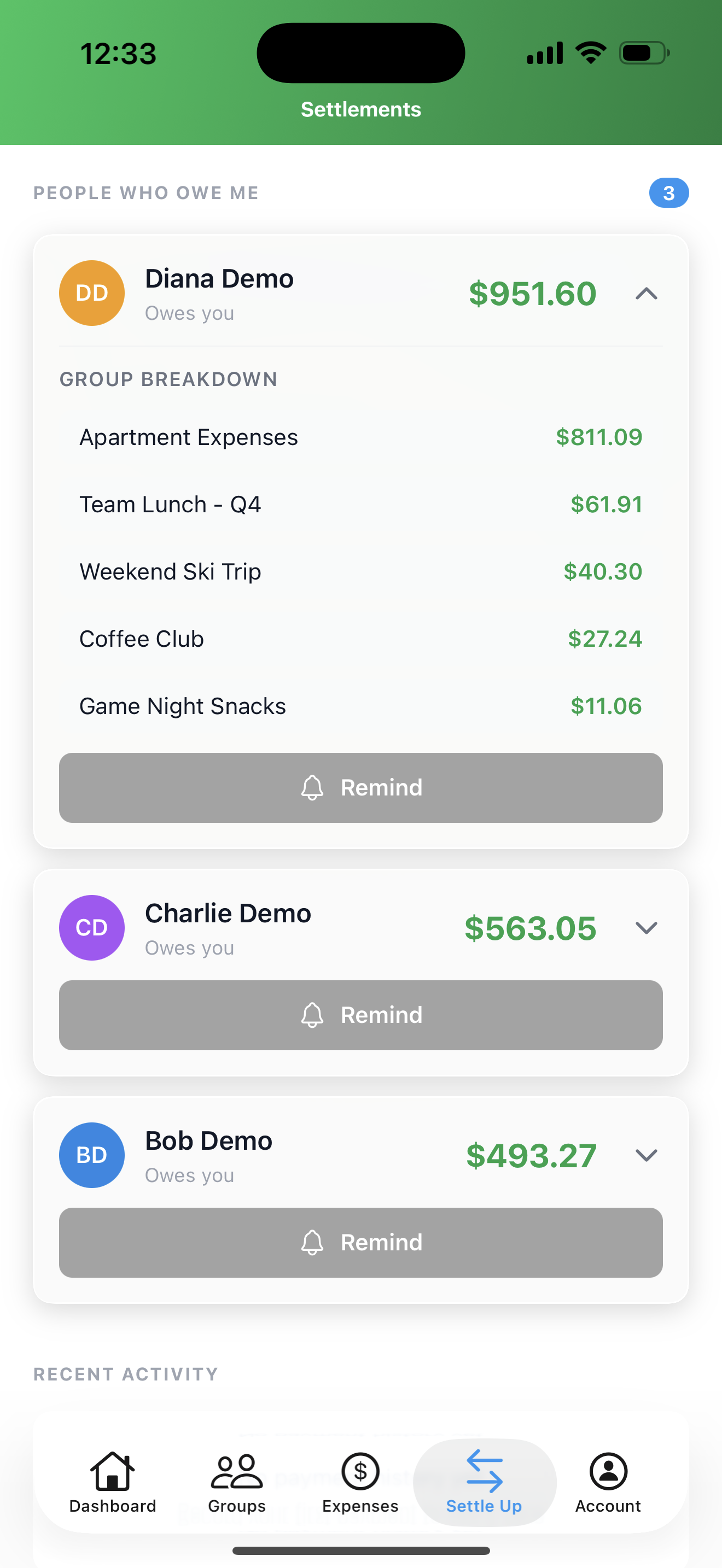
SplitterUp settles each group in the fewest payments. Prefer person-by-person balances? A group admin can turn Simplify Debts off for that group.
How it works →Venmo Deep Link
One tap opens Venmo with the exact amount and recipient pre-filled. No more switching apps to copy-paste numbers or double-check usernames.
Multi-Currency Support
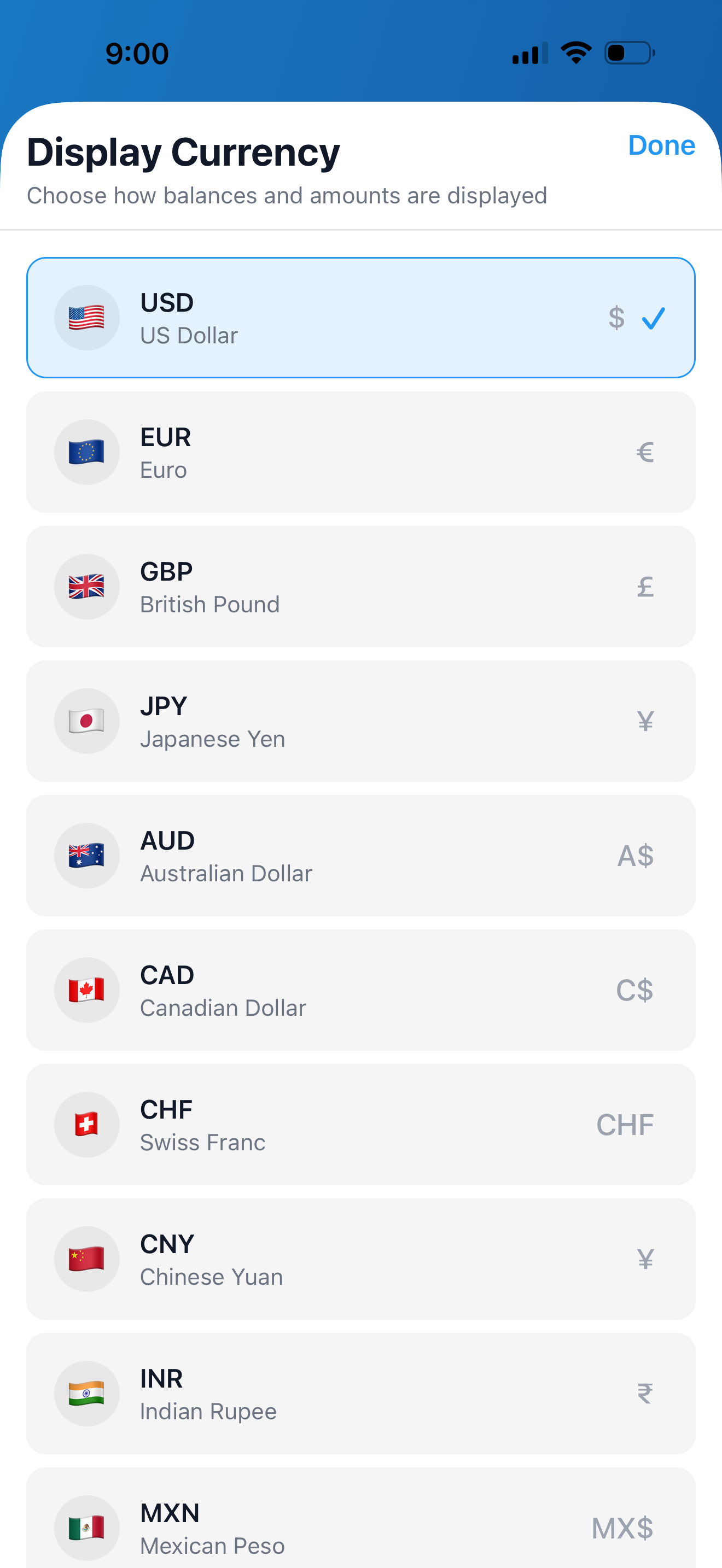
Travel with friends? Split expenses in multiple currencies. Set your personal default, let group admins control which currencies are allowed, and choose when rates are calculated.
Spending Insights
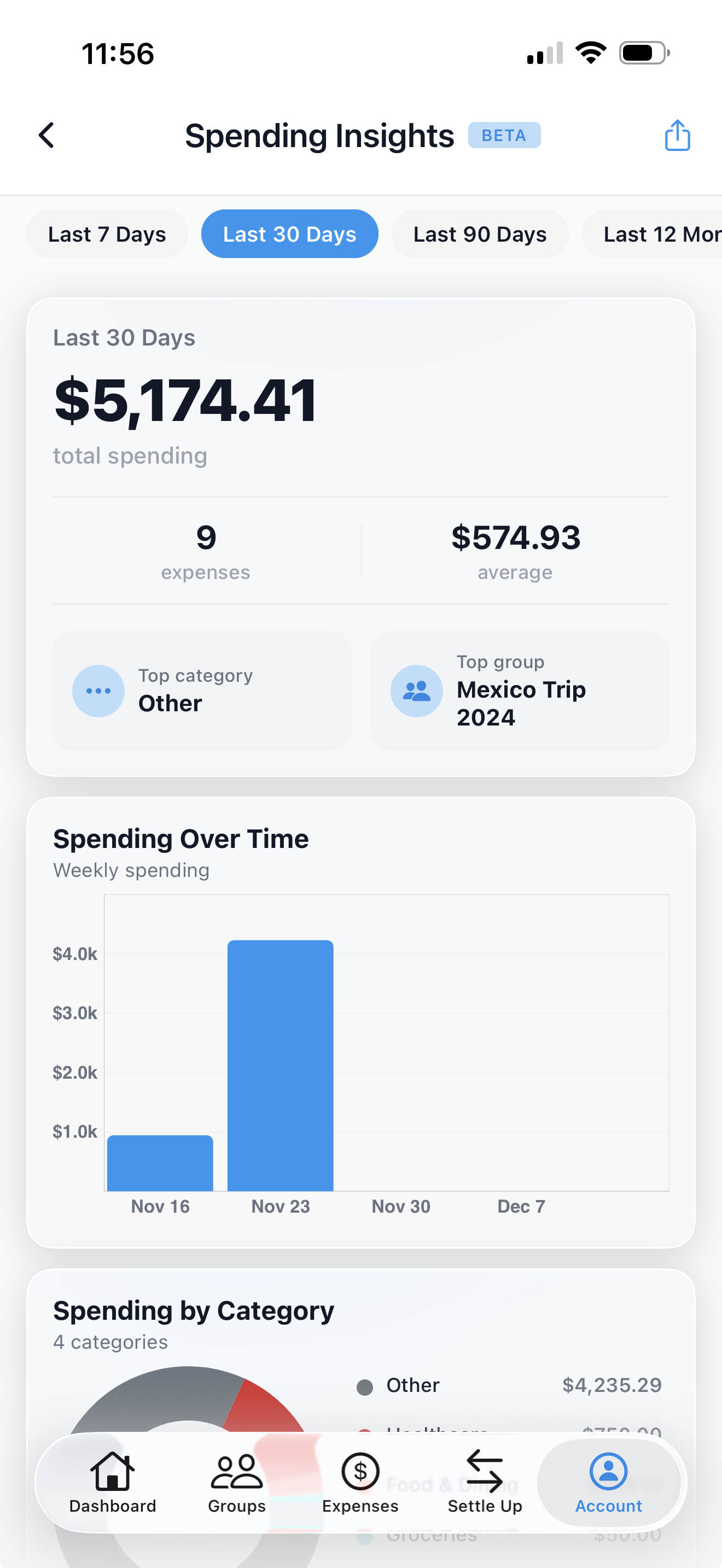
See where your money goes with detailed breakdowns by category, group, and time period. Track spending trends and understand your shared expenses at a glance.
On your phone, your tablet, your home screen — in your language.
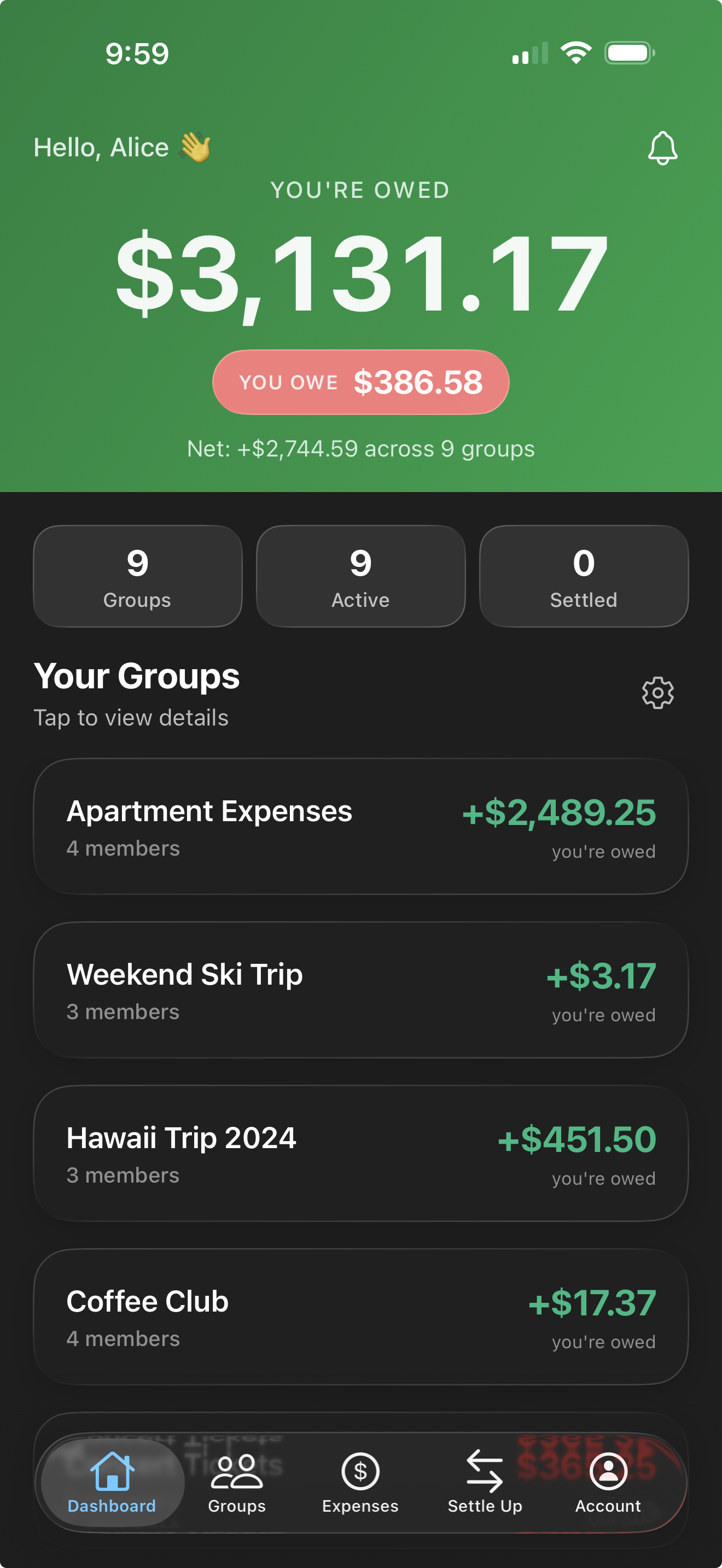
Elegant Dark Mode
Easy on the eyes for late-night splits. We designed a custom palette that looks stunning in low light, so you can settle up without blinding yourself at the bar.
Tablet Optimized
Get the full picture on a bigger screen. Multi-column dashboards in portrait, split-view master-detail navigation in landscape. The layout adapts to your tablet's orientation and size.
Learn more →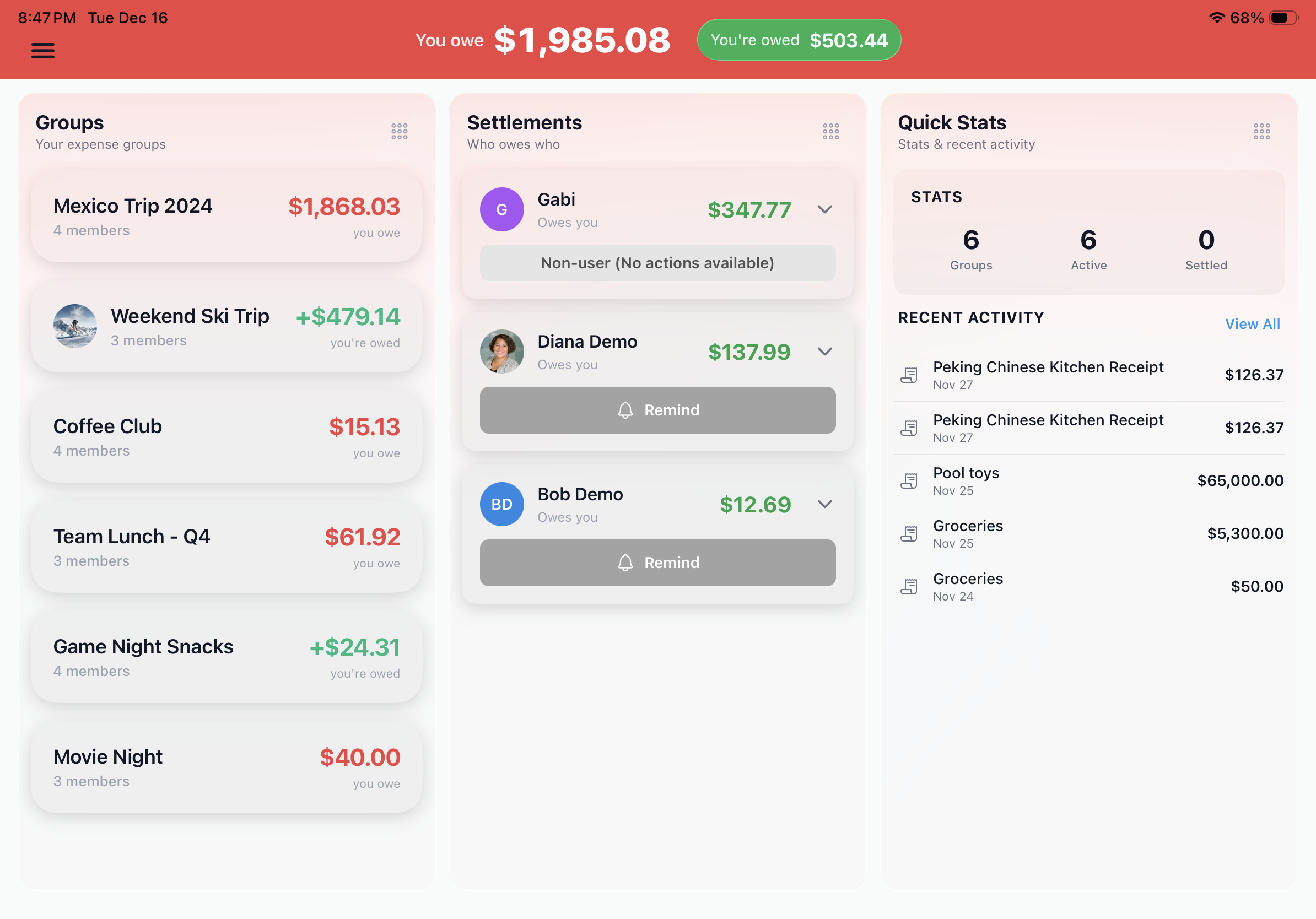
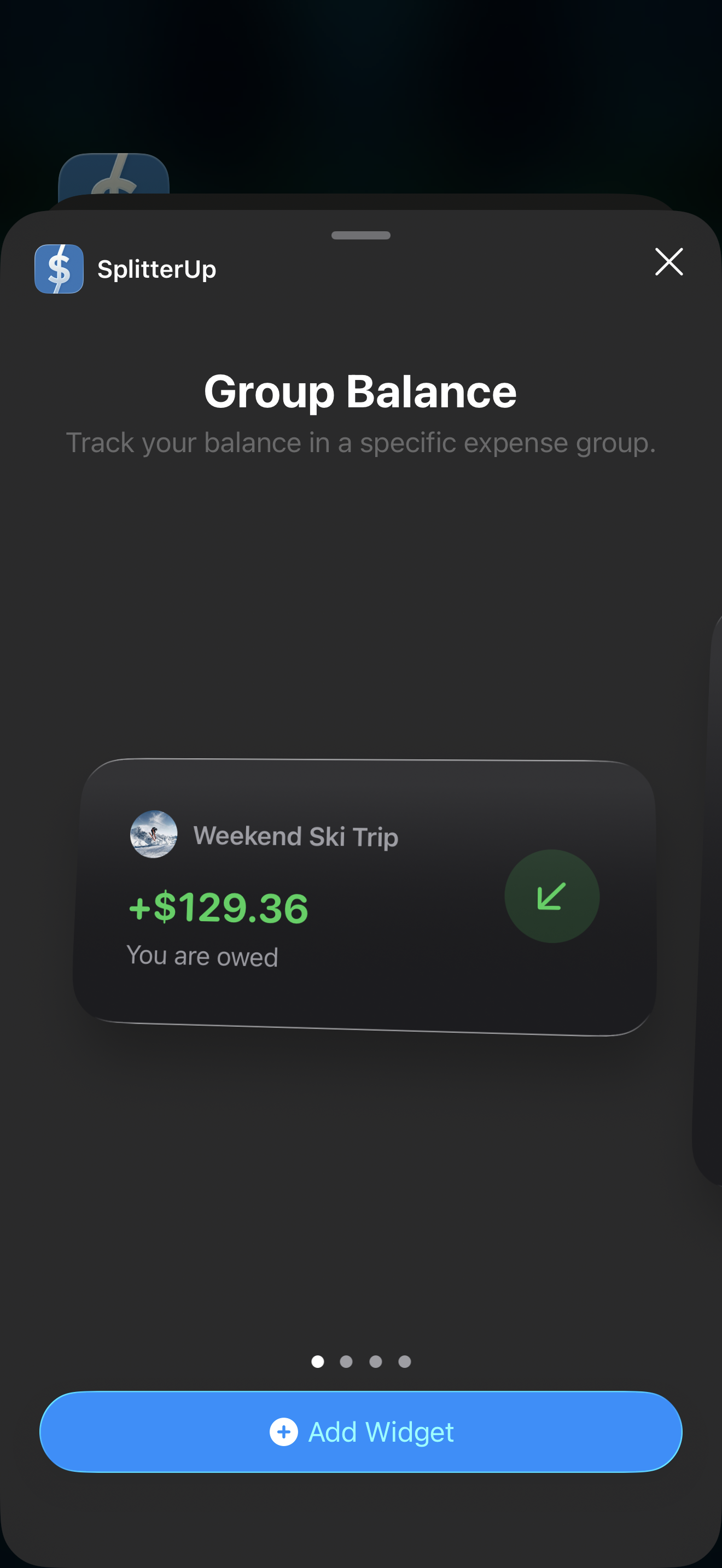
iOS Home Screen Widgets
Native iOS widgets put your balances right on your home screen. No more opening the app just to check who owes you.
SplitterUp in Your Language
SplitterUp follows your phone's language, or you can choose one under Account → Language. Screens, notifications, and group invitations are all translated, and amounts and dates are written the way your language writes them — a German reader sees 2.177,71 $ and 15. Jan.
- English
- Español (Latinoamérica)
- Deutsch
- Slovenčina
- Polski
- Français
- Čeština
- Português (Brasil)
- Italiano
Split expenses the smart way
Download SplitterUp, free for a limited time. Create your account now and you keep Premium permanently; join later and it's a one-time $4.99. Available on iOS, macOS, and Android.
Still comparing? See how SplitterUp stacks up in our best expense splitting apps roundup.