 SplitterUp
Split the bill while you're still at the table.
Scan the receipt, share it live with the friends right next to you, and everyone claims their own items on their own phone. The total splits itself — to the penny.


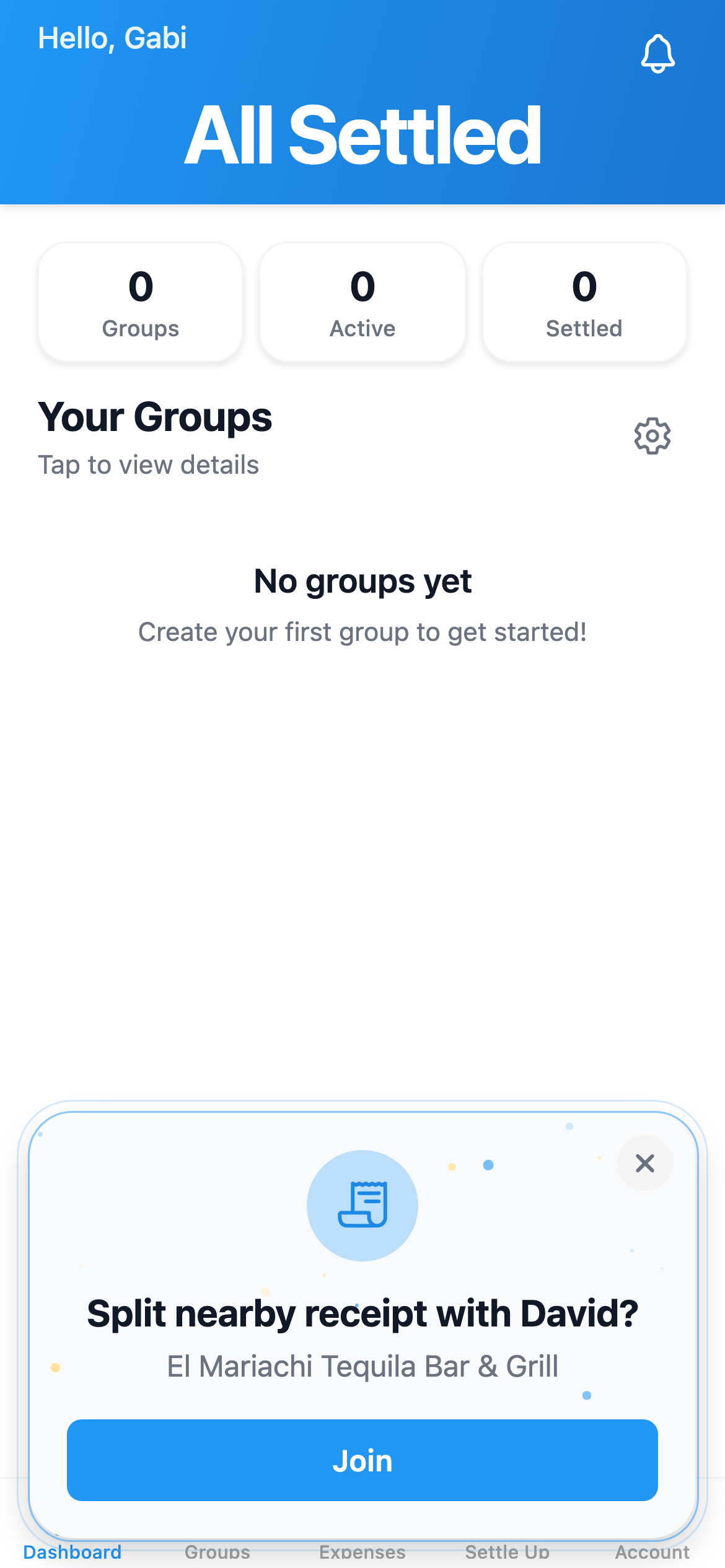
Snap a photo of the receipt.
The check comes. Then the awkward part.
One person pays, then squints at the receipt doing everyone's math while the table waits. SplitterUp Live turns that into a thirty-second group activity.
The old way
- One person fronts the whole bill and chases everyone later
- “Who had the salad?” — read aloud, line by line
- Shared apps and the tip split by guesswork
- Rounding that never quite adds back up to the total
With SplitterUp Live
From scanned receipt to settled, together
No new group to set up and no friend requests — everyone just opens SplitterUp on the phones already around the table.
Scan & share
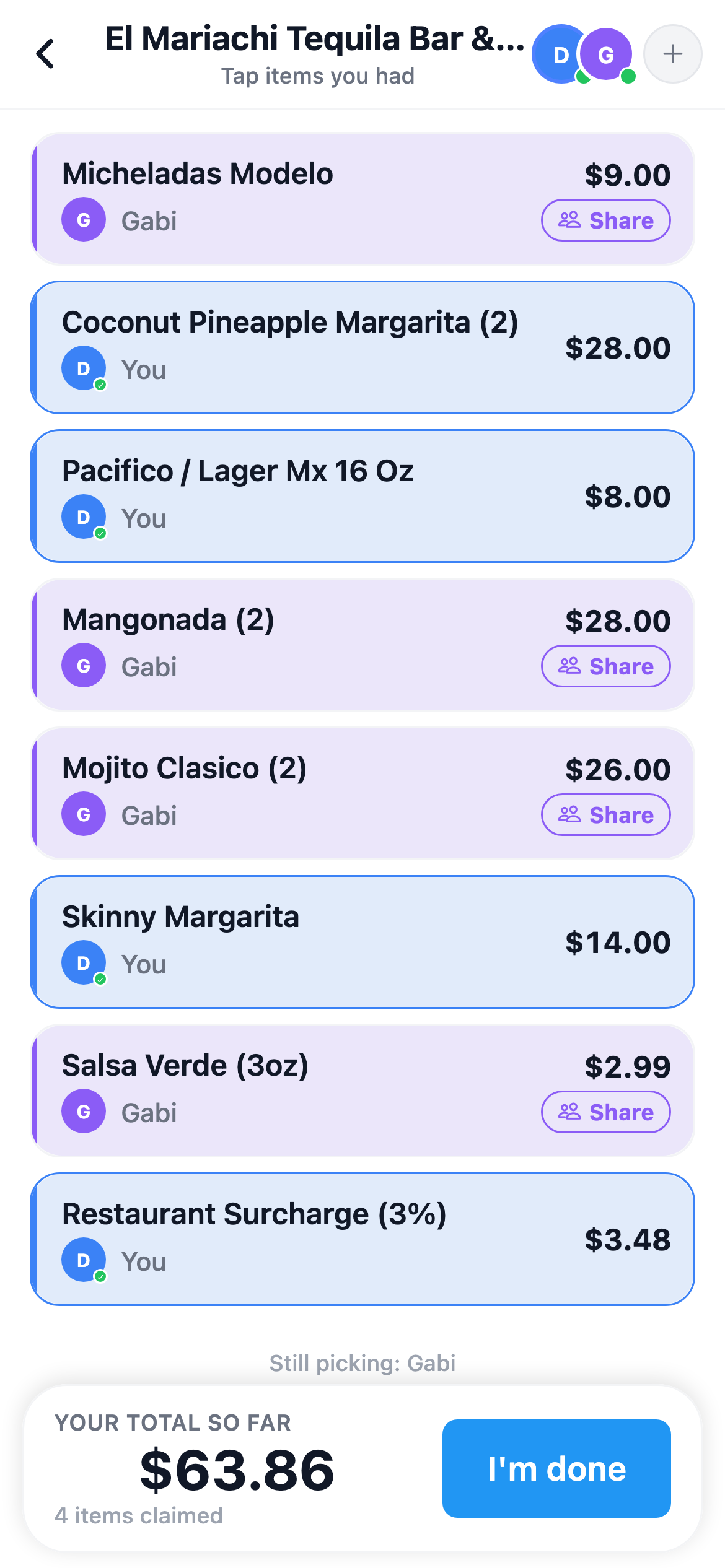
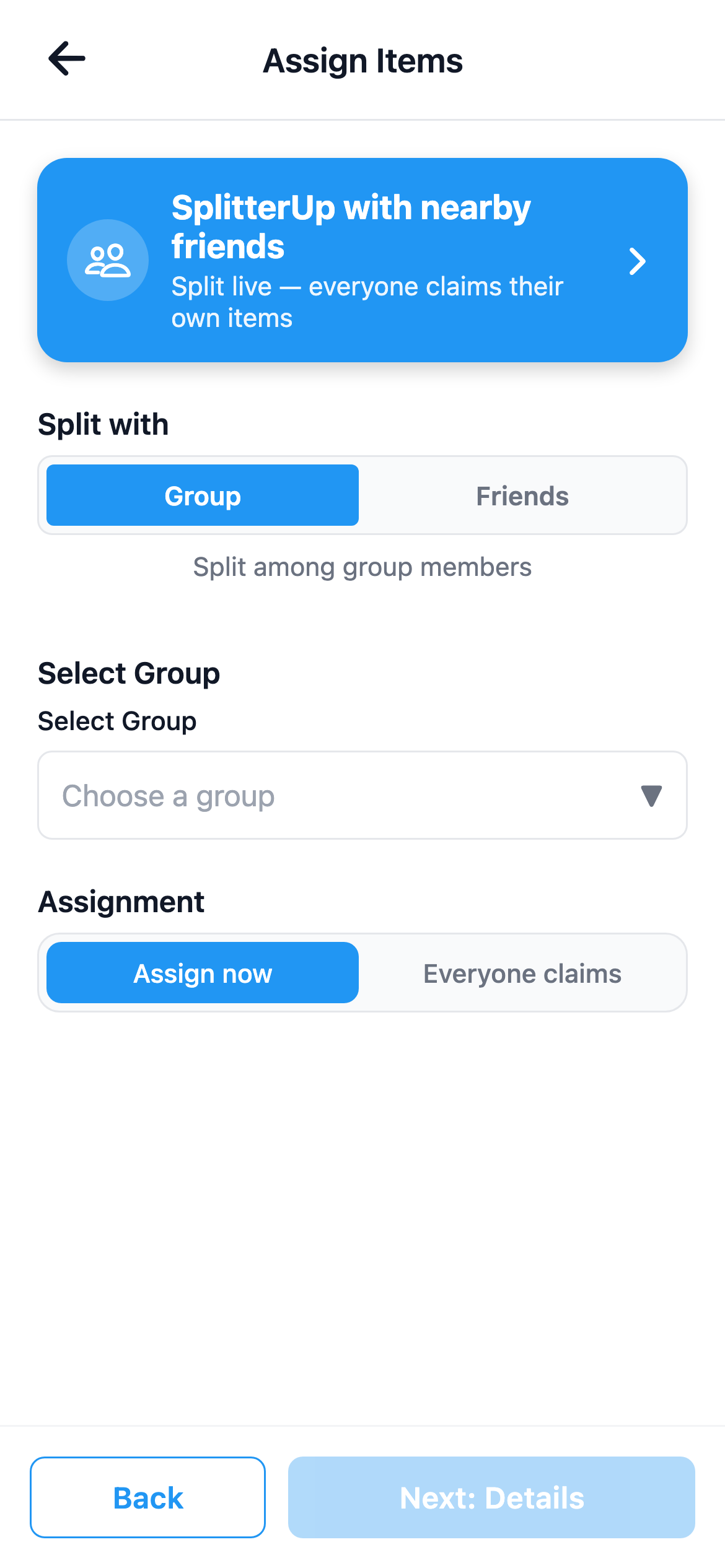
Scan the receipt and tap Share with nearby friends. The people right next to you get an invite in SplitterUp on their own phone — no group or friend request needed to join. Nearby discovery uses location, so anyone with it switched off can join with the room code instead, or by scanning the QR code if they don't have the app at all.
Everyone claims
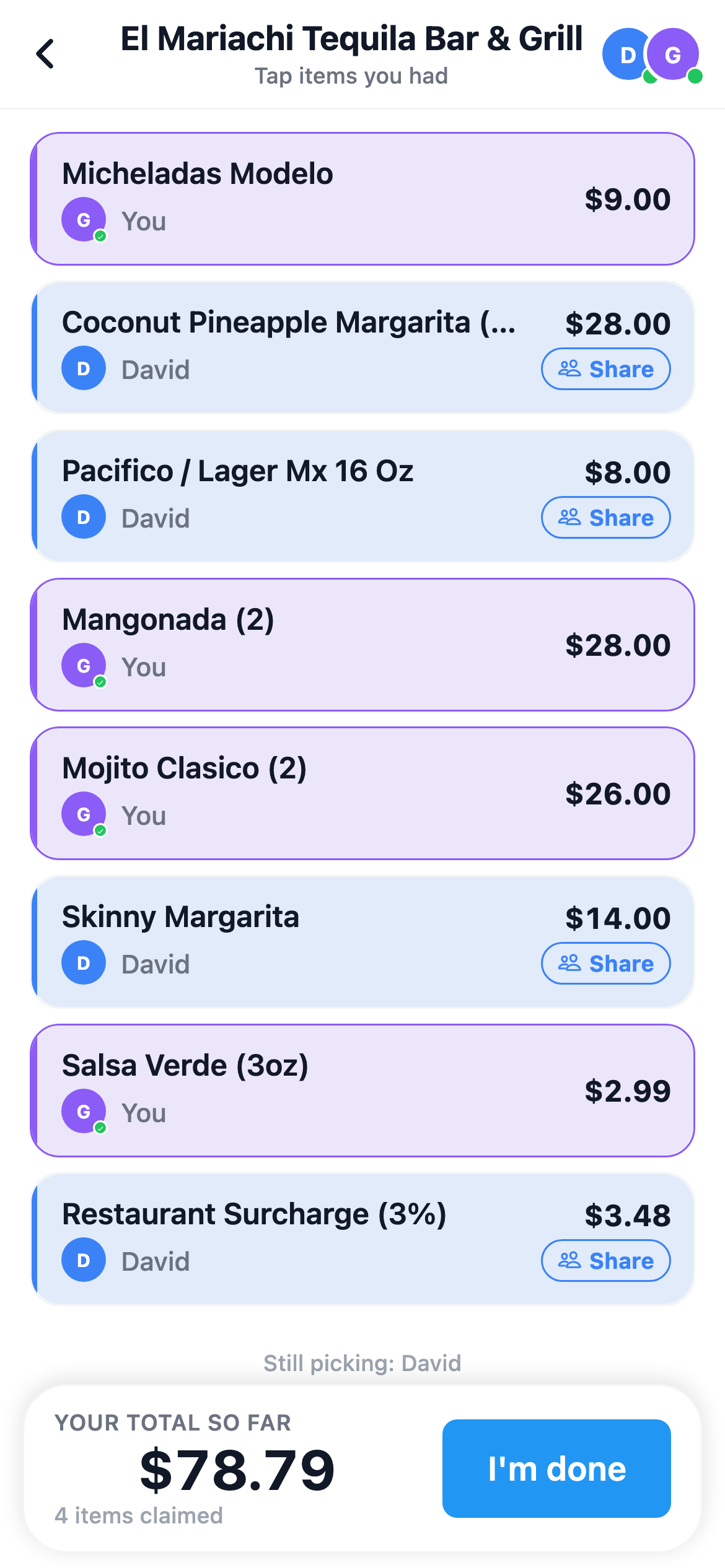
Each person taps the items they had on their own phone. Shared plates get split between whoever claims them — automatically, by share.
Payer finalizes
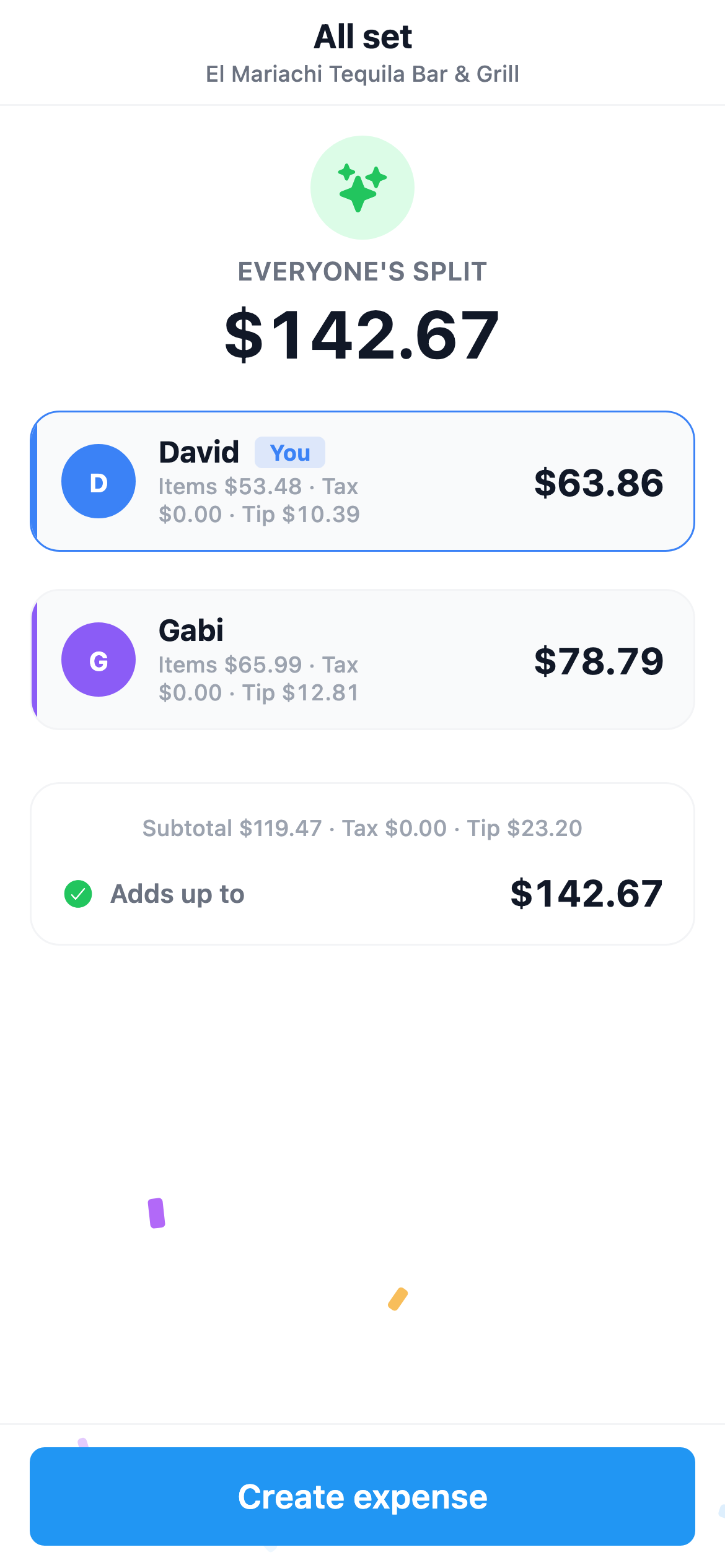
The person who paid sees every share reconciled to the penny — tax and tip included — and taps Create expense. Done.