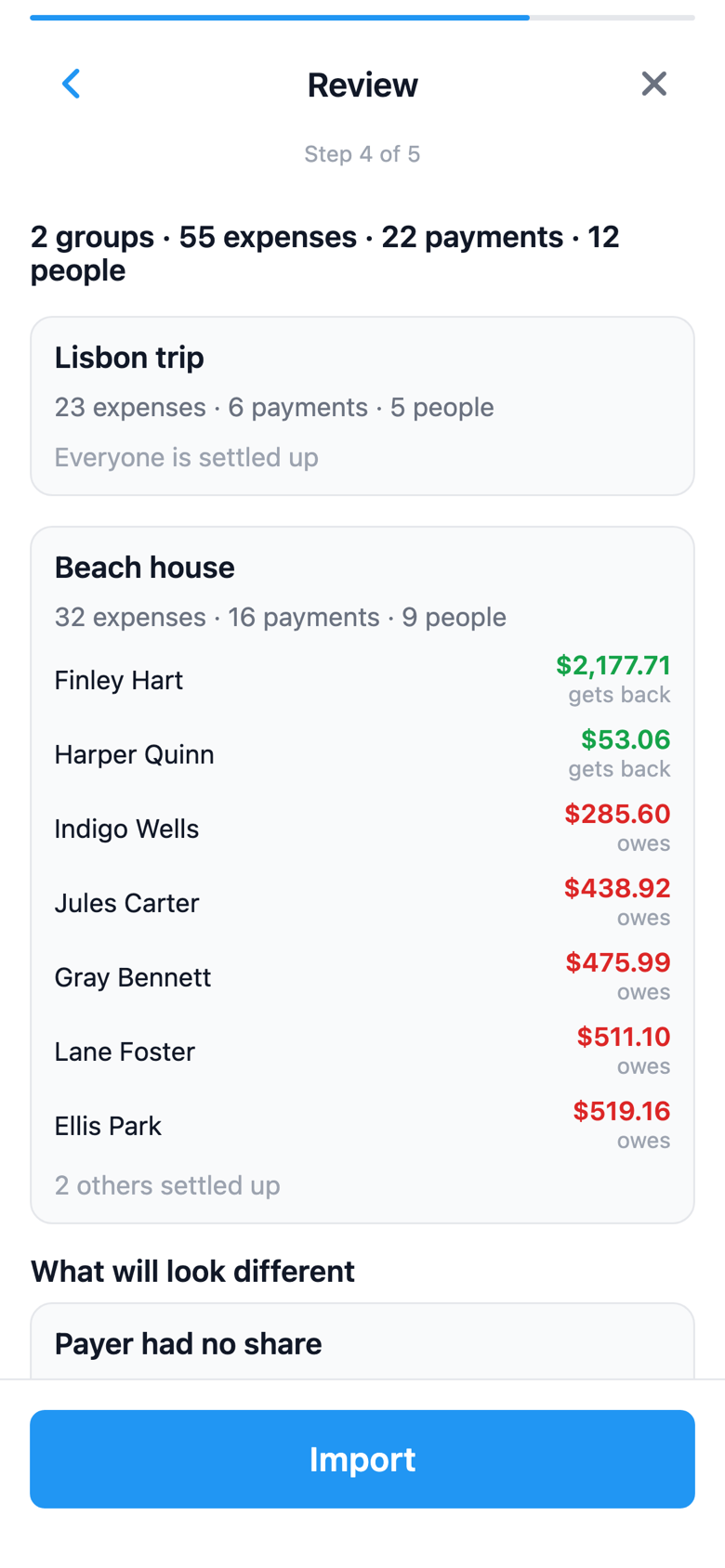
The best expense splitting app for friends, roommates, and groups. Scan receipts, split expenses, and settle up instantly. SplitterUp minimizes payments so everyone pays less, faster. Also available as a full web app at web.splitterup.app — works right in your browser, no install.
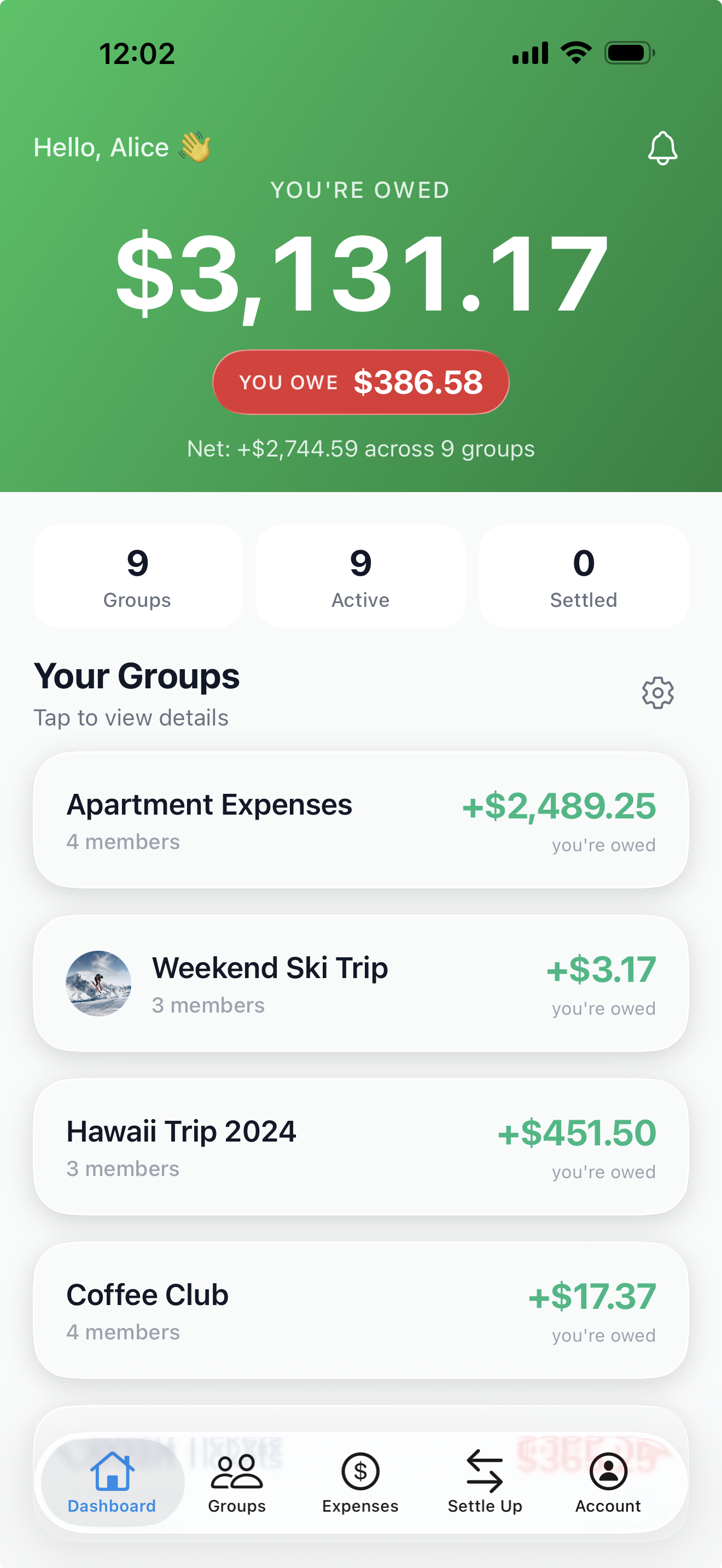
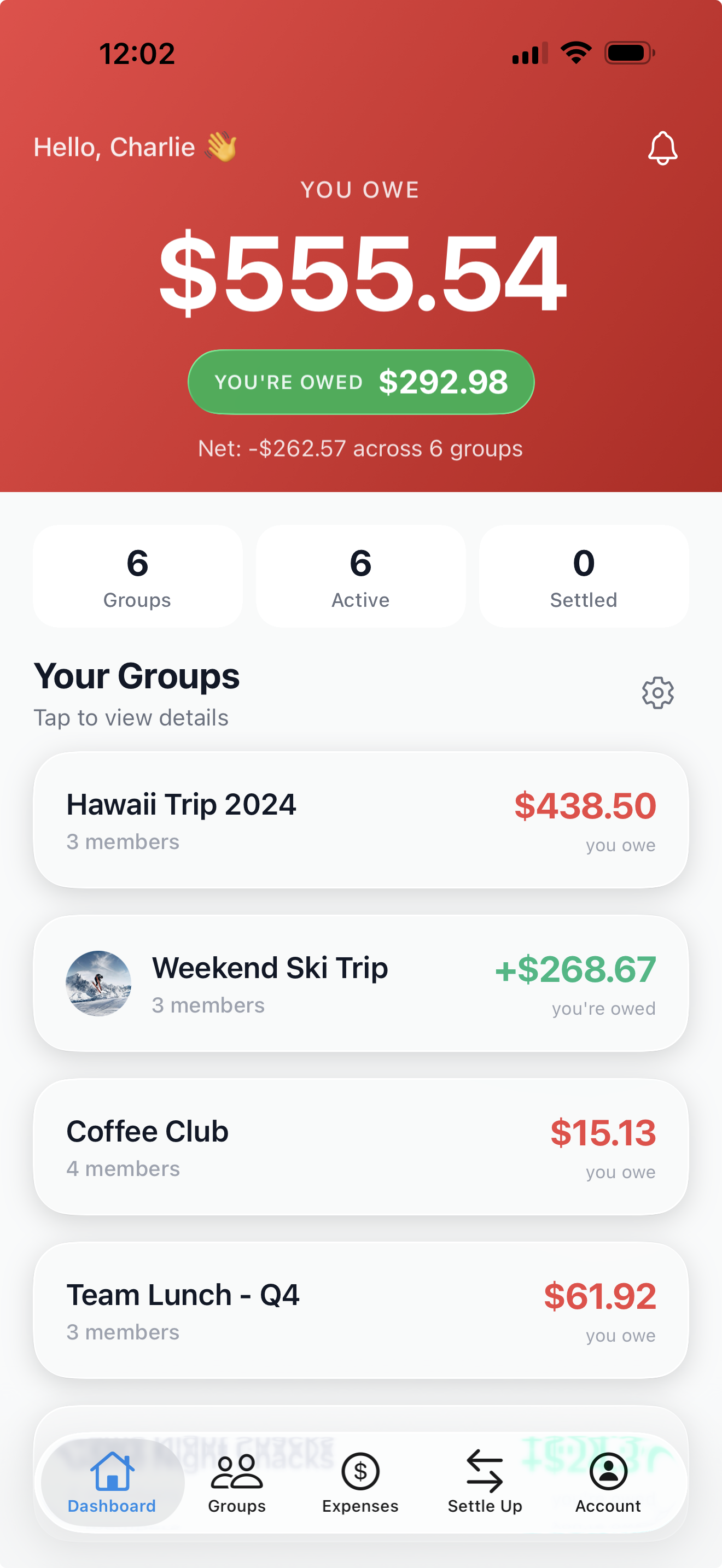
Receipt scanning, item assignment, multi-currency, re-splitting, payment deep links, spending insights, and more — all included, with no subscription now or later.
Scan the receipt and share it with the friends right next to you. Everyone claims their own items on their own phone, and the total splits itself — to the penny. No group or friend request needed to join.
Learn more →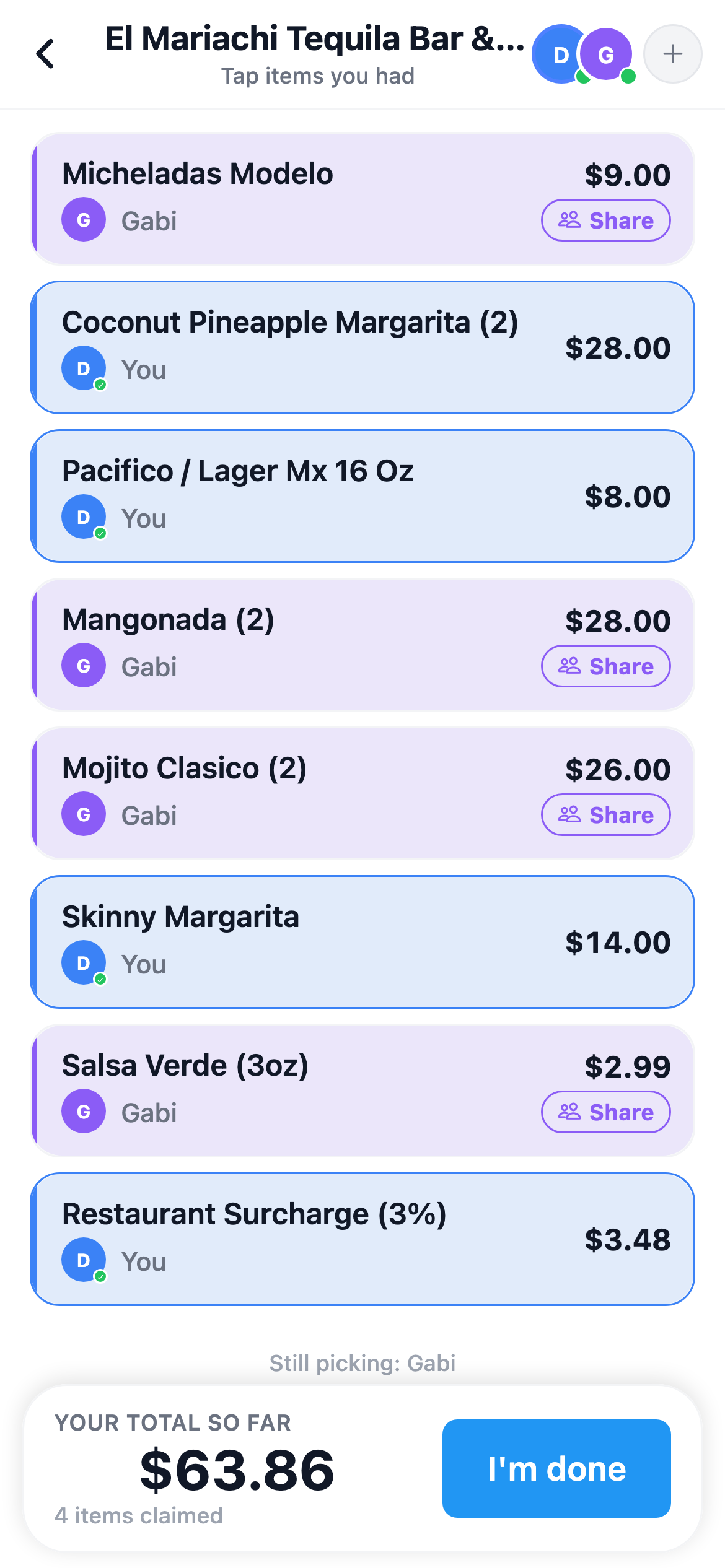
Only in SplitterUp
Splitwise's cap is commonly reported as 3–4/day
Included, not a paid add-on
Free now. Later, $4.99 once unlocks Premium for good — never a subscription
Whether it's dinner, rent, a team lunch, or a group trip — SplitterUp handles it.
Multi-currency trips, dinner receipts, and work travel — all in one group.
Track rent, utilities, and household expenses in one group.
Split electric, water, internet, and subscriptions fairly.
Scan long receipts and separate shared from personal items.
Percentage splits, flexible timing, and privacy-first design.
Split office lunches, shared supplies, and team events.
Honest comparisons and practical guides for splitting expenses without the awkward conversations.
An honest ranking of the seven main expense splitting apps, including where each one beats us.
What the daily limit and Pro paywall actually cost you, the ten apps worth moving to, and how to bring your history with you.
What five popular expense splitting apps really restrict on their free tier — daily caps, ads, and locked features.
What the free tier includes, where it runs out, and the math on Splitwise Pro's $59.99-a-year price.

Available now on iOS, macOS, Android, and the web.
No install. Works in any modern browser. Sign in with Apple, Google, or email.